
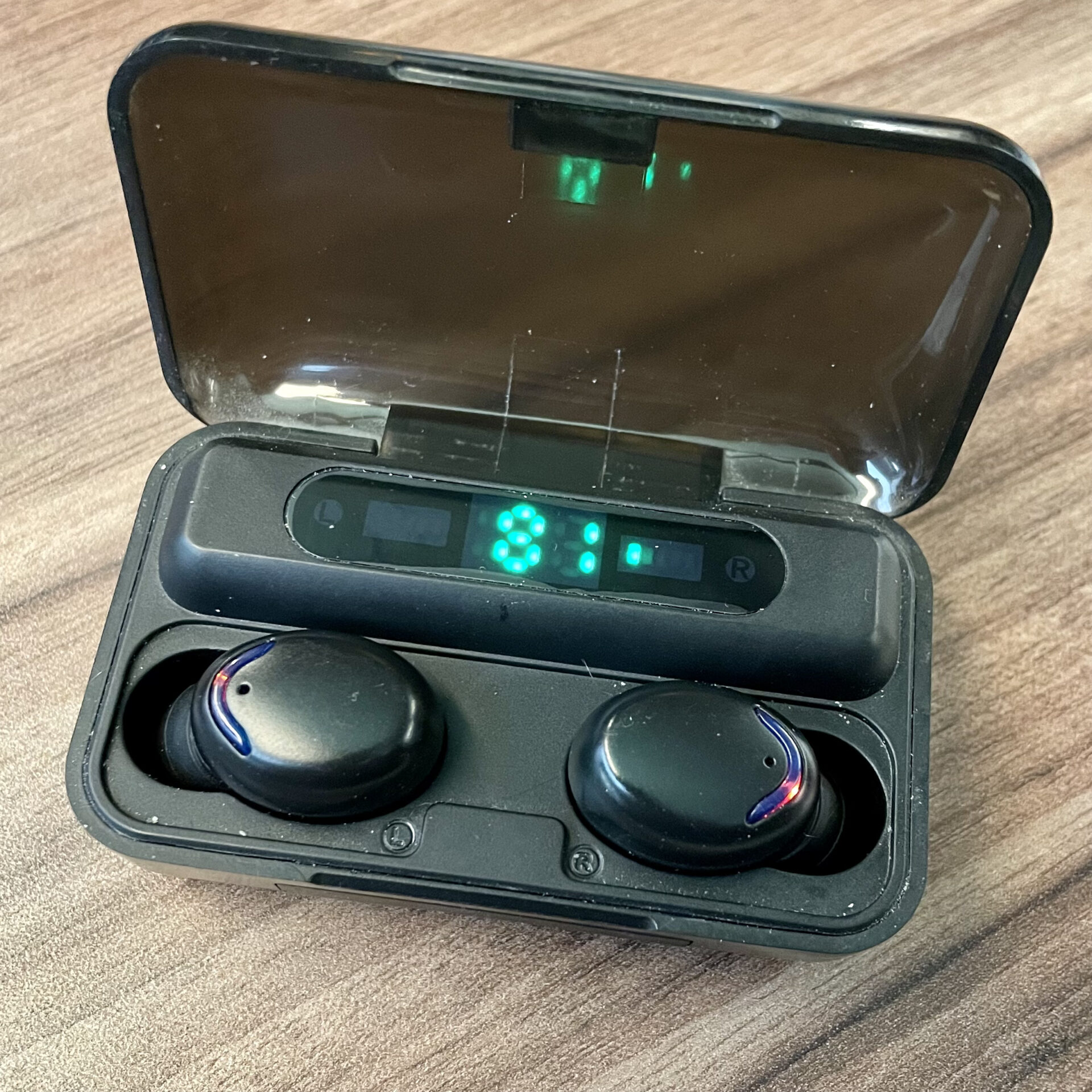
Sometimes the F9 earbuds won’t connect to each other.
They keep flashing or they show up as single buds on your bluetooth connection.
The instructions provided in the manual are quite complicated as they require perfect execution. Allow me to provide an alternative, simpler method for pairing your headphones:
- Firstly, forget the device on your phone and laptop. It is preferable to turn off Bluetooth on all connected devices.
- Place both headphones in the charging case.
- Remove the headphones from the charging case. Both headphones should be flashing.
- Quickly double-click one of the headphones – it doesn’t matter which one.
- Wait for a moment – one of the headphones should stop flashing, indicating that the headphones have successfully paired.
- Find the device on your phone and connect to it.
Congratulations! You have successfully paired your headphones using this easier method.